(+351) 21 24 10006  ·  info@bconcepts.pt
Carnaxide, Lisbon
Tutorial of the week: How to create conditional visuals in Copilot in Power BI
Tutorial da semana

Tutorial of the week: How to create conditional visuals in Copilot in Power BI

João Barros 20/11/2026 1 min

Every week we highlight a practical tutorial from our blog. This is this week’s — worth it if you work with Copilot in Power BI.

What you will learn

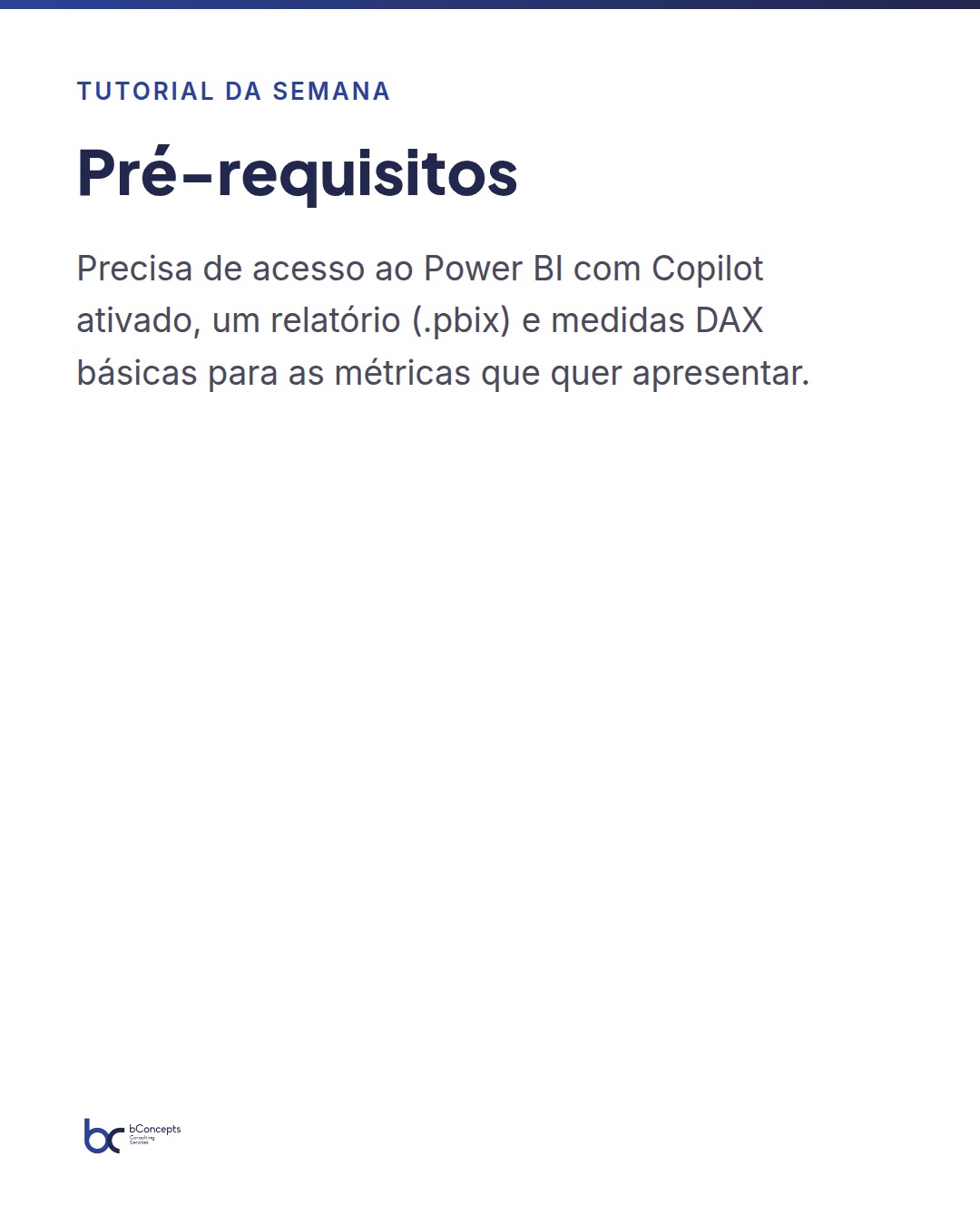
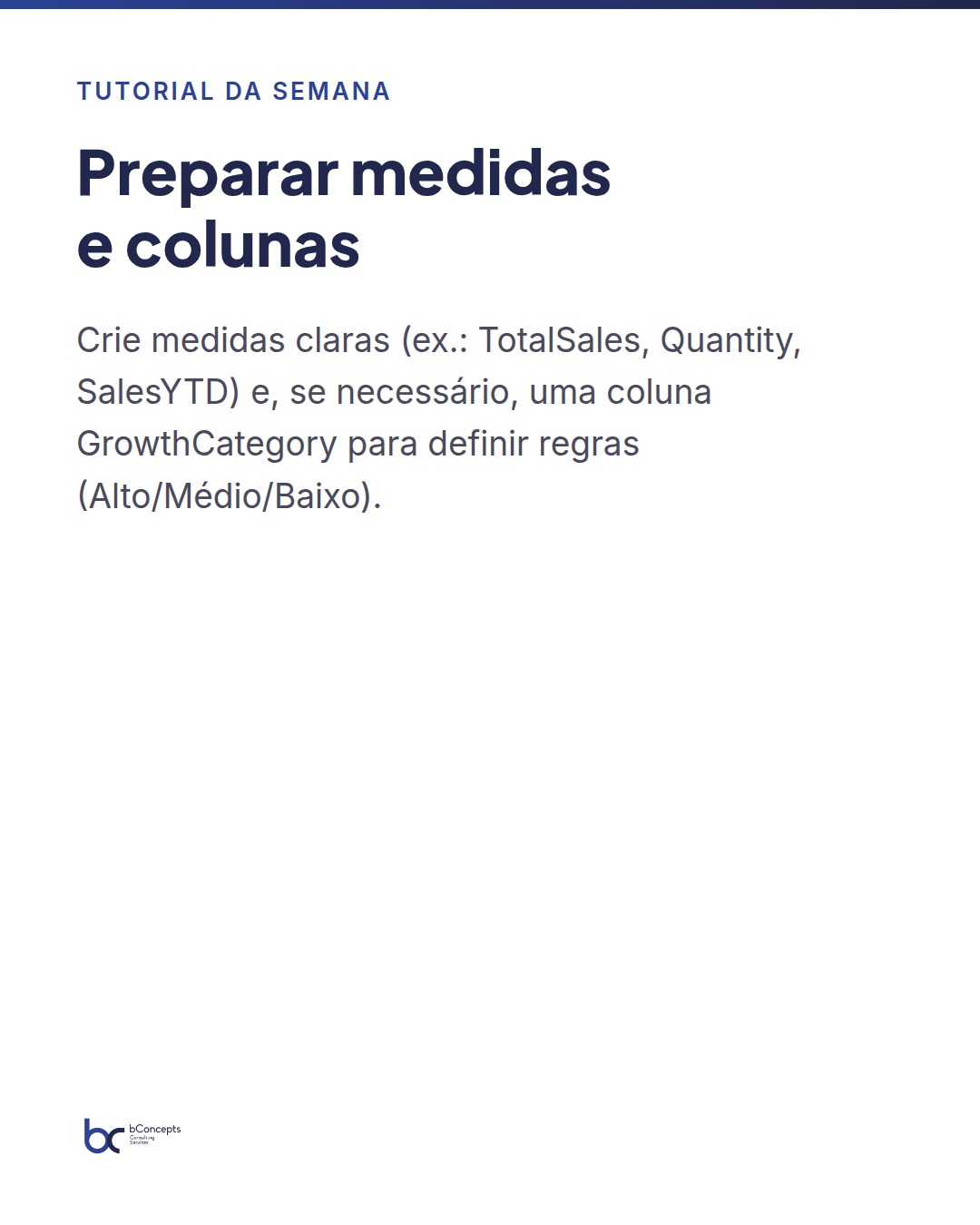
  • Step 1: Prepare measures and supporting columns
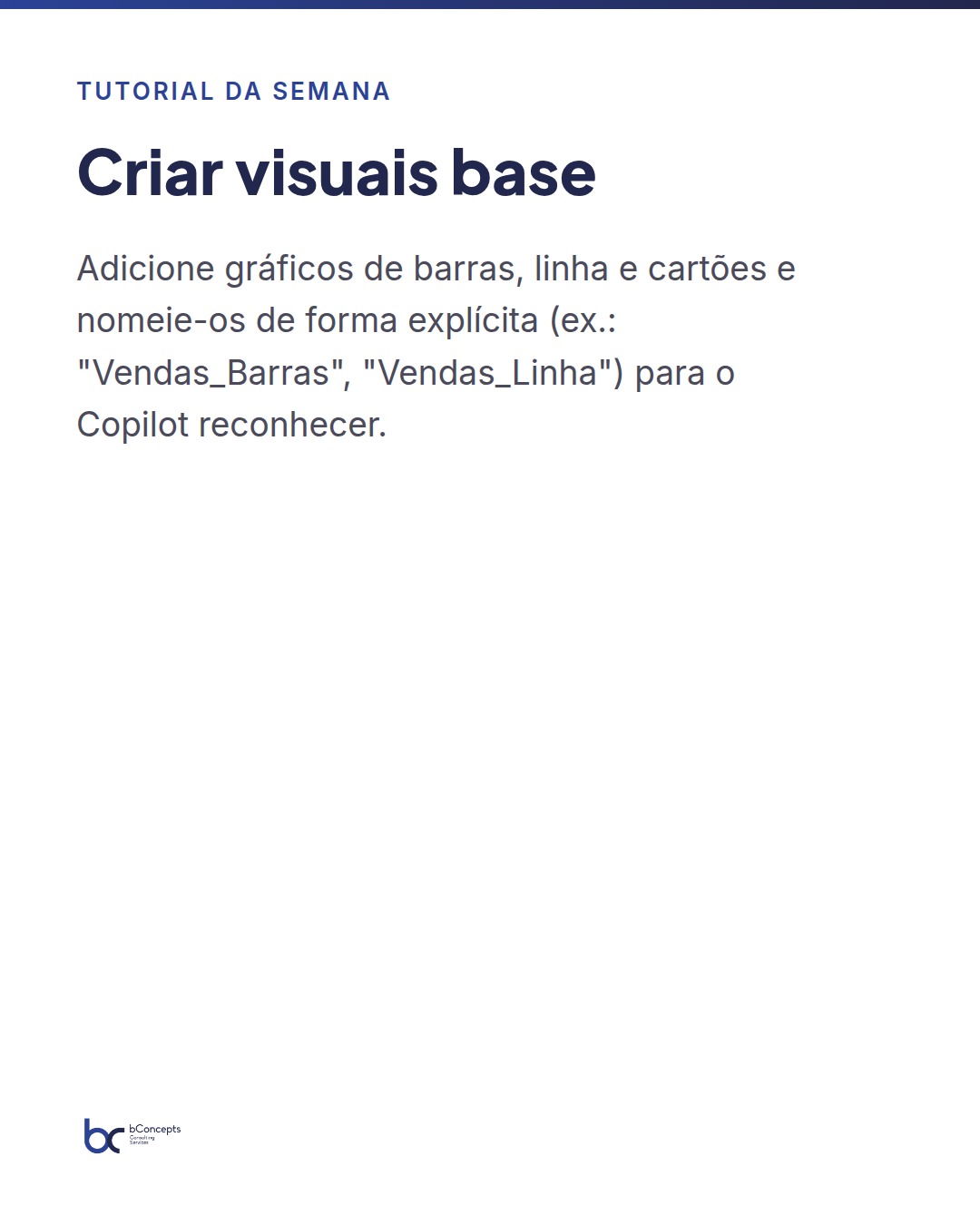
  • Step 2: Create base visuals in the report
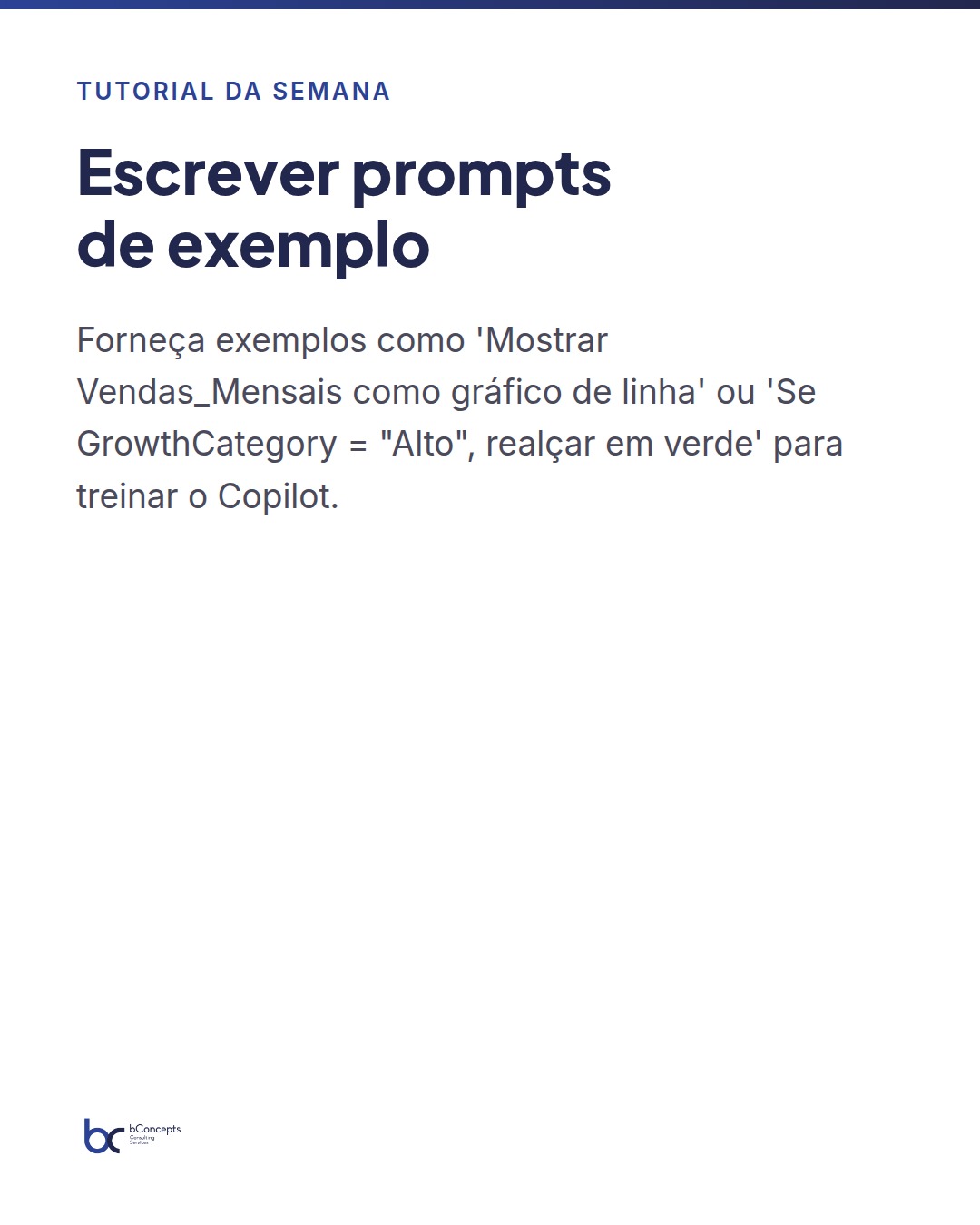
  • Step 3: Write example prompts for Copilot
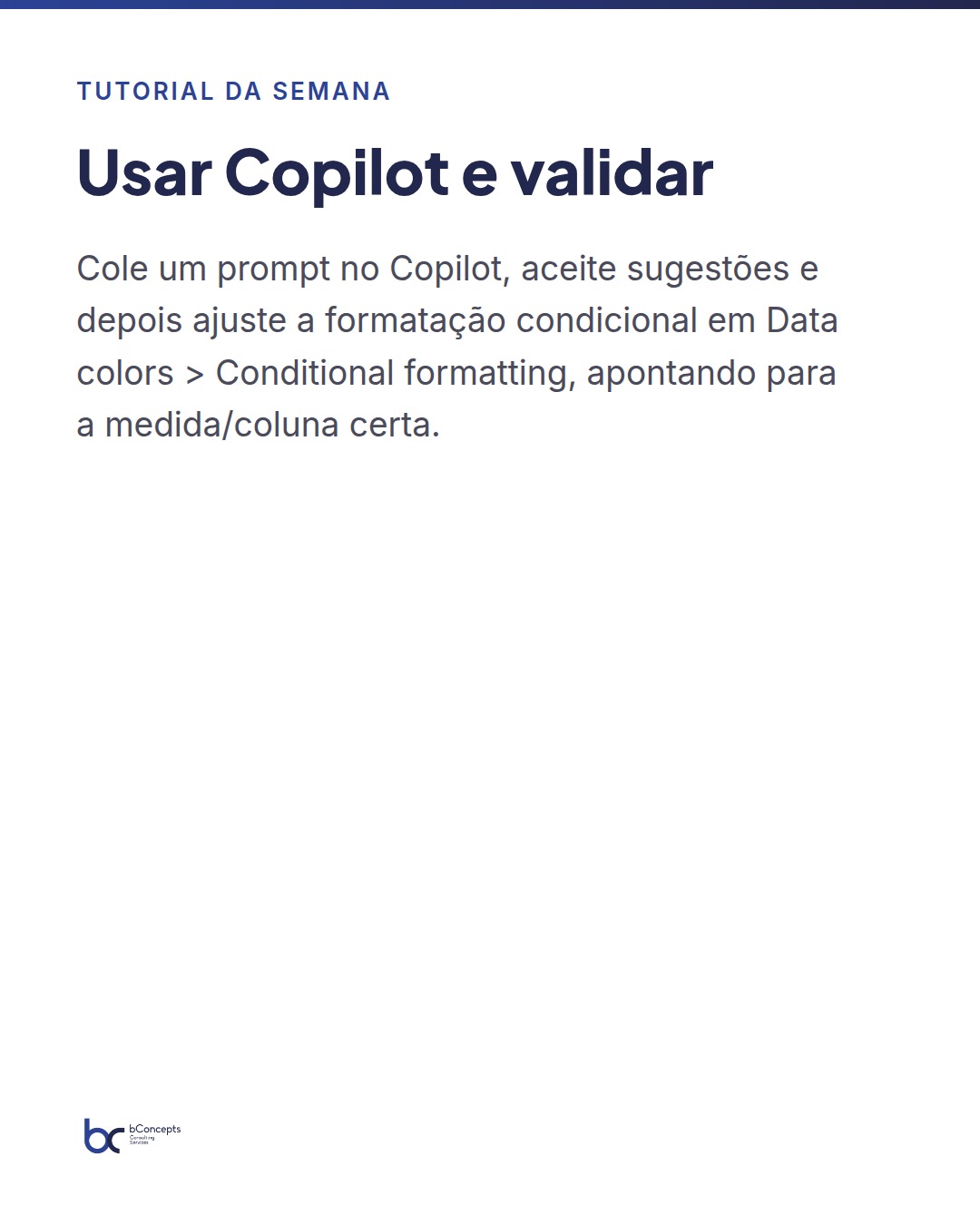
  • Step 4: Use Copilot to transform visuals
  • Step 5: Validate and adjust the conditional rules
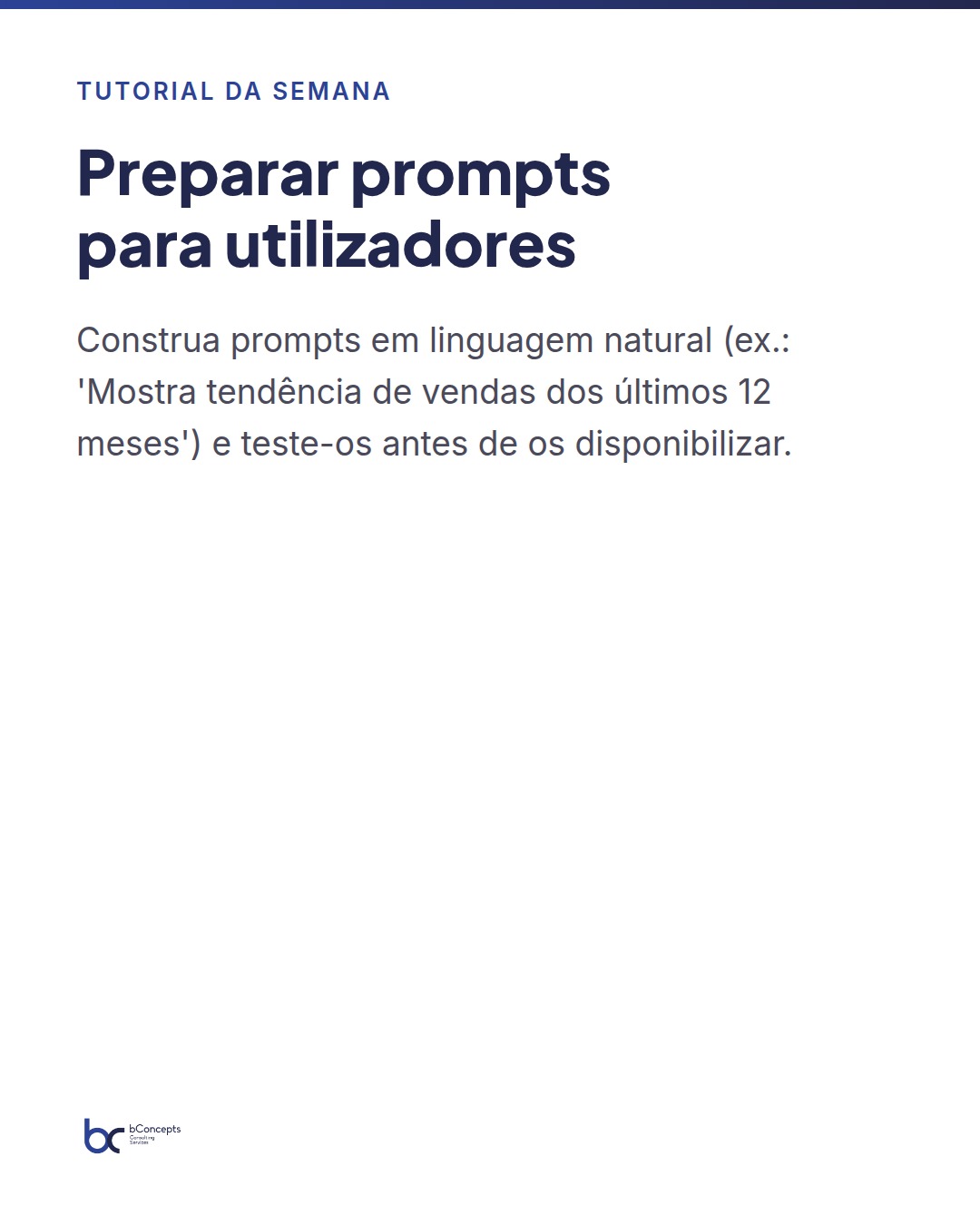
  • Step 6: Create a conversational prompt for end users

👉 See the full tutorial

Tutorial da semana: Como criar visualizações condicionais em Copilot no Power BI
← Back to insights
Let's talk?

Ready to transform your data?

Book a free 30-minute meeting and find out how we can help your team make better decisions.

Book a Free Meeting
bConcepts