Every week we highlight a practical tutorial from our blog. This is this week’s — worth it if you work with Copilot in Power BI.
What you will learn
- Step 1: Prepare key measures (KPIs)
- Step 2: Create a report page dedicated to the summary
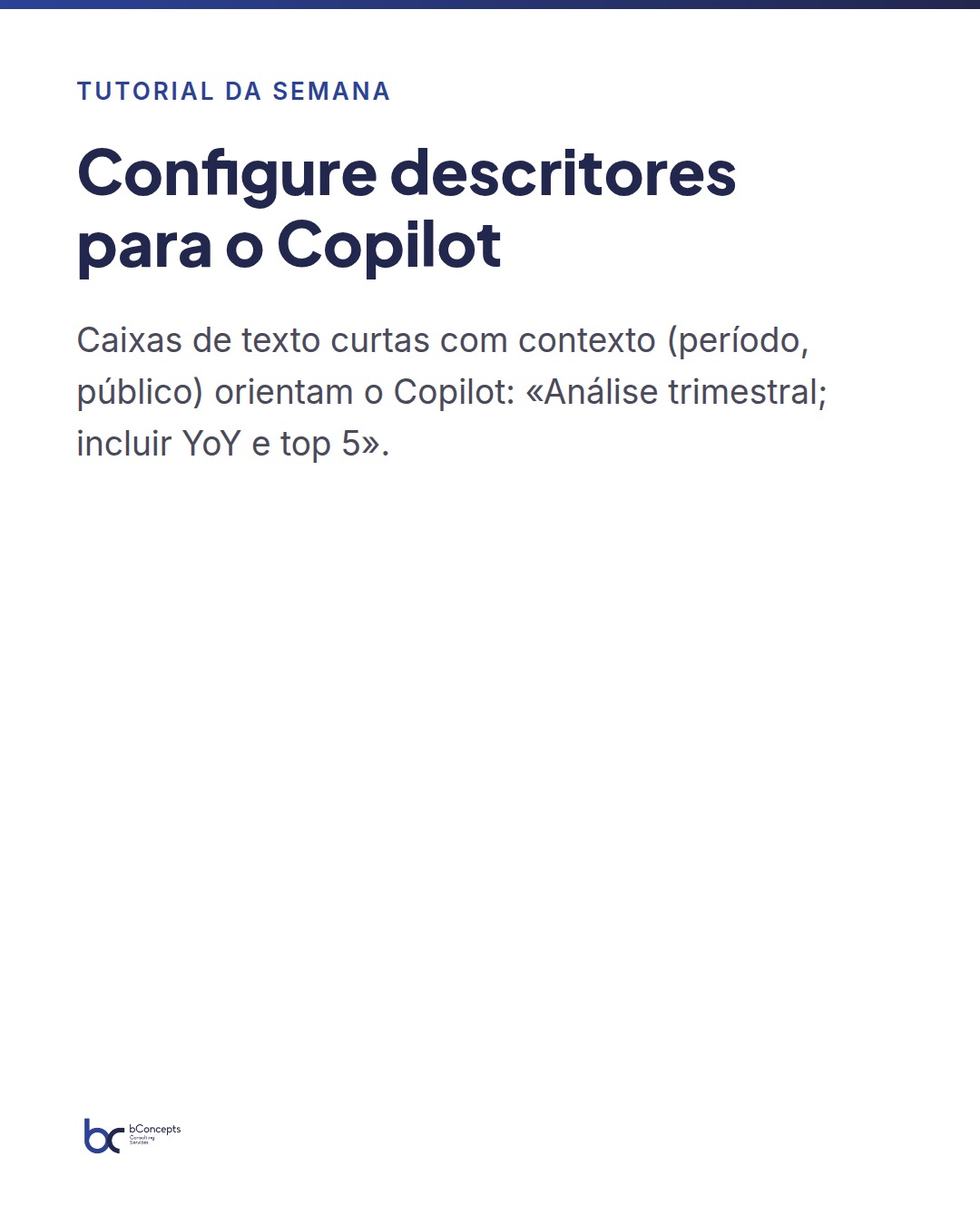
- Step 3: Configure descriptors for Copilot
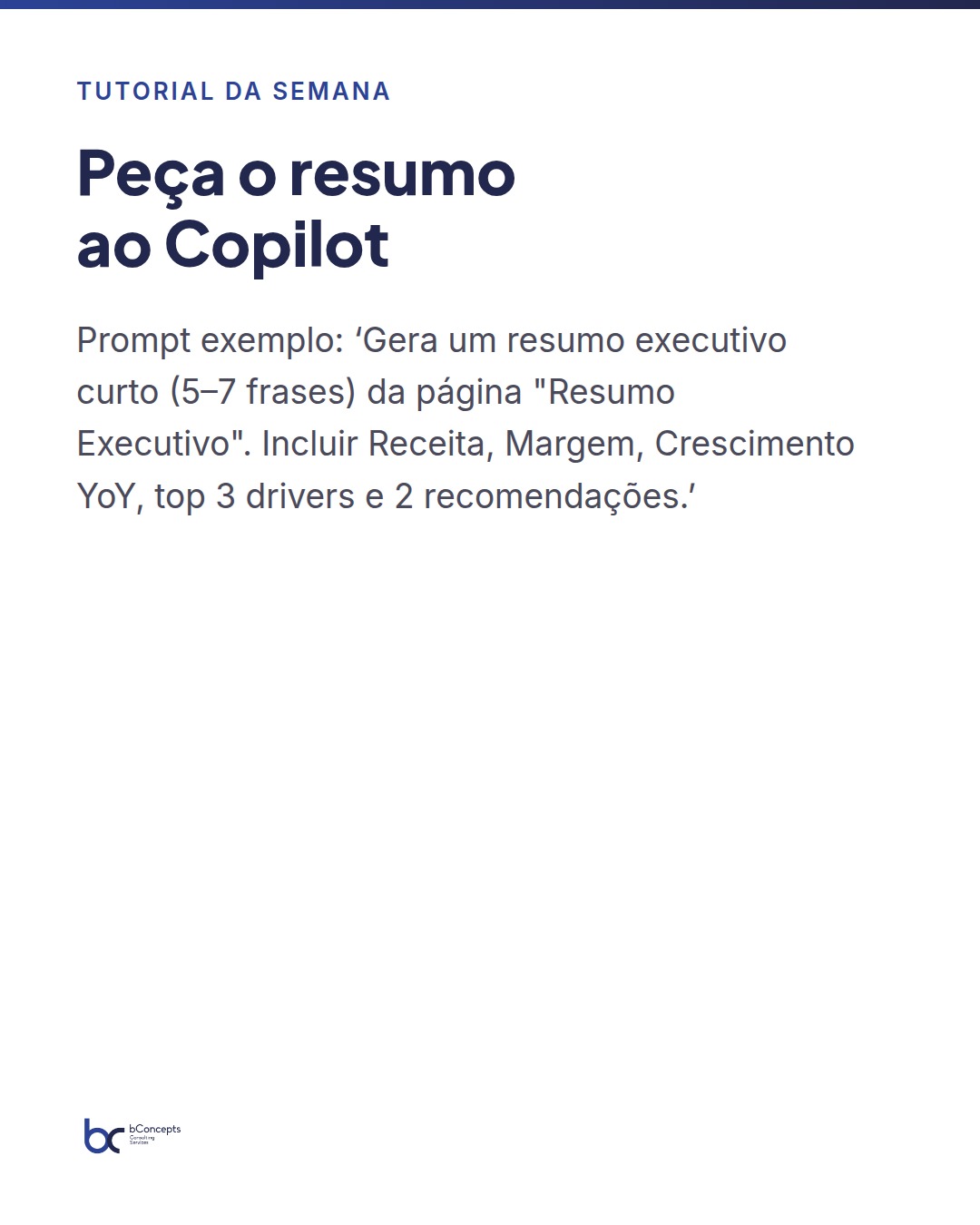
- Step 4: Invoke Copilot and request the executive summary
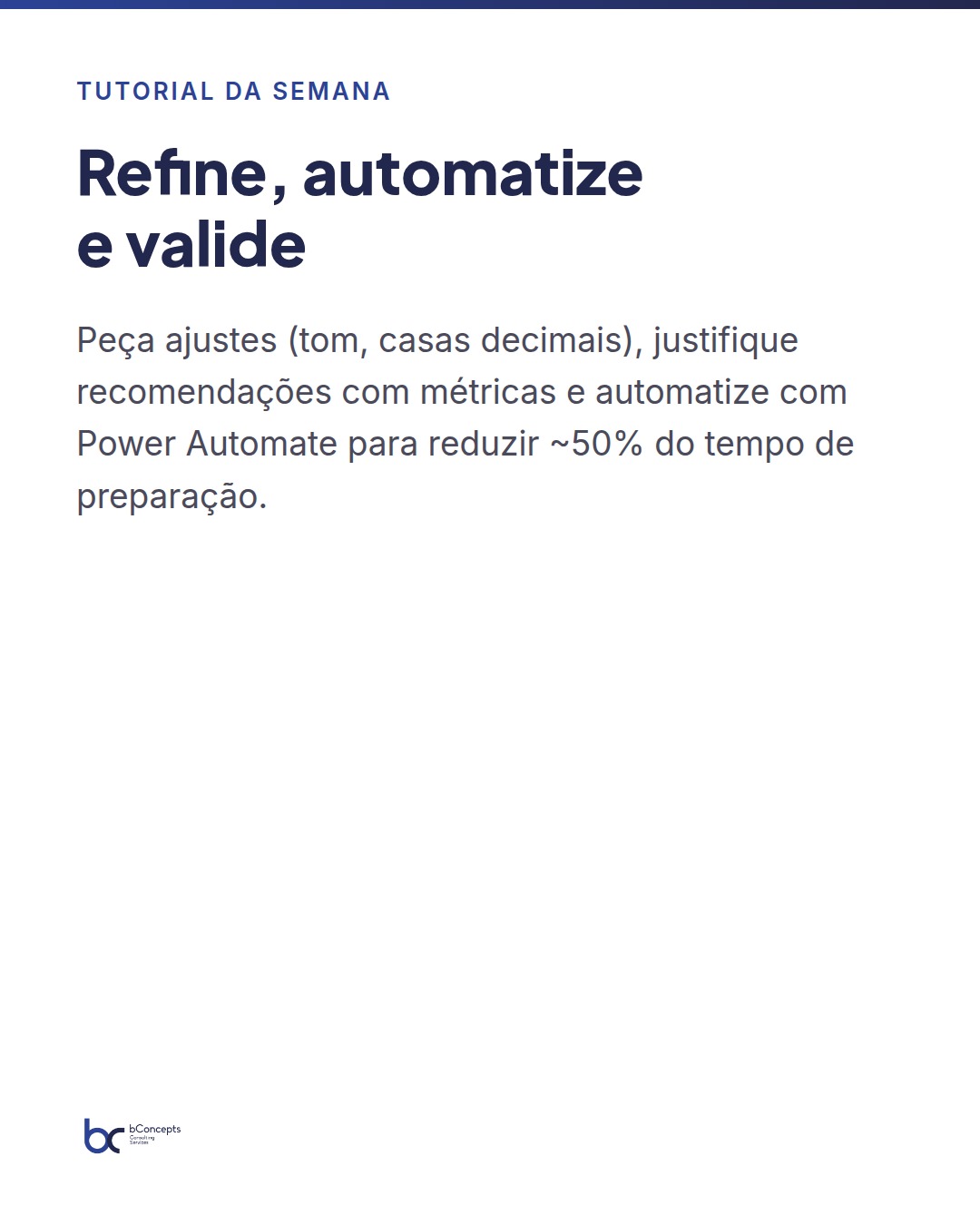
- Step 5: Refine and customize the generated text
- Step 6: Insert the summary into the report