RAG is not magic — it is engineering: bring human queries closer to your organization’s knowledge using well‑designed embeddings, efficient indexing and reproducible pipelines in Microsoft Fabric.
Why adopt RAG in Microsoft Fabric?
The phenomenon of Retrieval-Augmented Generation (RAG) combined two simple ideas with huge impact: use a vector index to retrieve relevant context and feed a large language model (LLM) to generate contextualized answers. For organizations already using Microsoft Fabric — OneLake, Lakehouses, compute and Power BI — RAG enables leveraging existing investments in data and governance to build internal assistants, enterprise search engines and report enrichment.

By integrating RAG directly into Fabric, you gain operational consistency: data remains under the same access and audit policies, ingestion pipelines are the same and you can scale using native compute. It’s not just about building a chatbot: it’s about making essential information searchable and verifiable by business processes.
Practical architecture: essential components
A practical RAG architecture in Fabric has four main blocks: (1) ingestion and normalization of content (documents, FAQs, transcripts), (2) embedding generation, (3) vector index (vector store) and (4) orchestration of retrieval + LLM for answers. In Fabric, files and metadata reside in OneLake/Lakehouse; embeddings can be stored as Delta tables; the ANN (approximate nearest neighbour) index runs on compute (Python notebooks/Apache Spark) and calls to the LLM can be made via external API (Azure OpenAI, another service) or open‑source models served internally.
For production, add two operational layers: scheduled pipelines for incremental reindexing and a serving service (API) that combines vector search and prompt engineering. In Fabric, the serving service can be a containerized endpoint running on a VM/AKS connected to Lakehouse tables, or an Azure Function that invokes notebooks for lightweight tasks.
Generate and manage embeddings in Fabric
Embedding generation is a critical point: model choice, batching and storage determine cost and performance. Best practice: generate embeddings in batch via Python notebooks in Spark to parallelize, and log the process (metadata, document hash, model version) in an audit table. Each typical embedding (for example 1,536 dimensions in float32) occupies about 6 MB per 1000 embeddings — this matters for storage planning.
Model versions matter. Record meta‑information (model, hyperparameters, generation date) and store a content hash to detect the need for re-embedding. Use versioning keys in the Delta table: document_id, chunk_id, model_version, embedding_vector[]. That way, when you upgrade to a more accurate model, you know exactly how many embeddings need regeneration.
Indexing, chunking and embedding quality
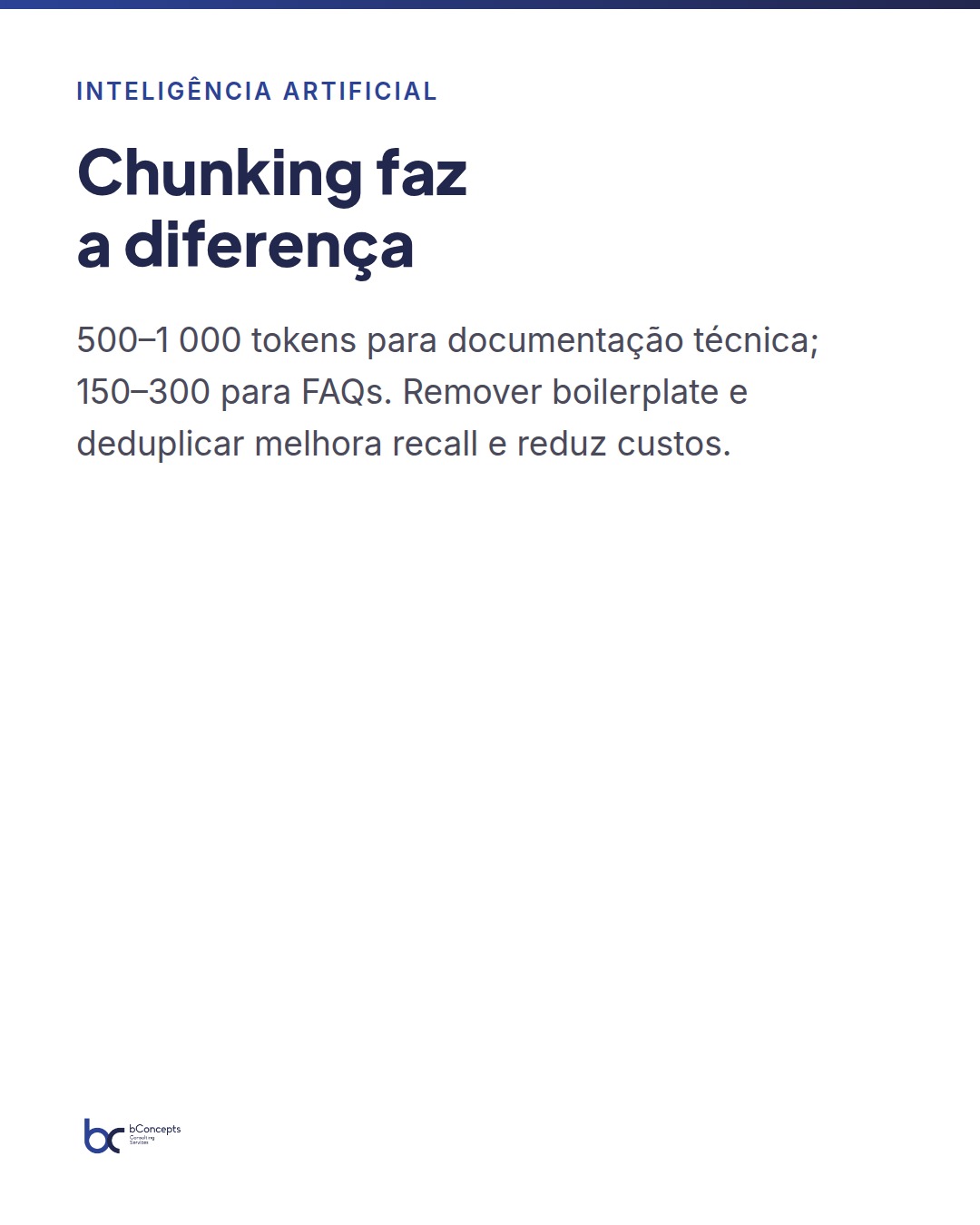
How to split documents? Chunking is an art with practical rules: for technical documentation use windows of 500–1,000 tokens with overlap of 50–100 tokens; for FAQs and e‑mails, smaller chunks (150–300 tokens) make retrieval more precise. Chunking quality influences recall and precision of RAG. Simple normalizations — removing boilerplate, language detection and prior deduplication — reduce costs and improve relevance.
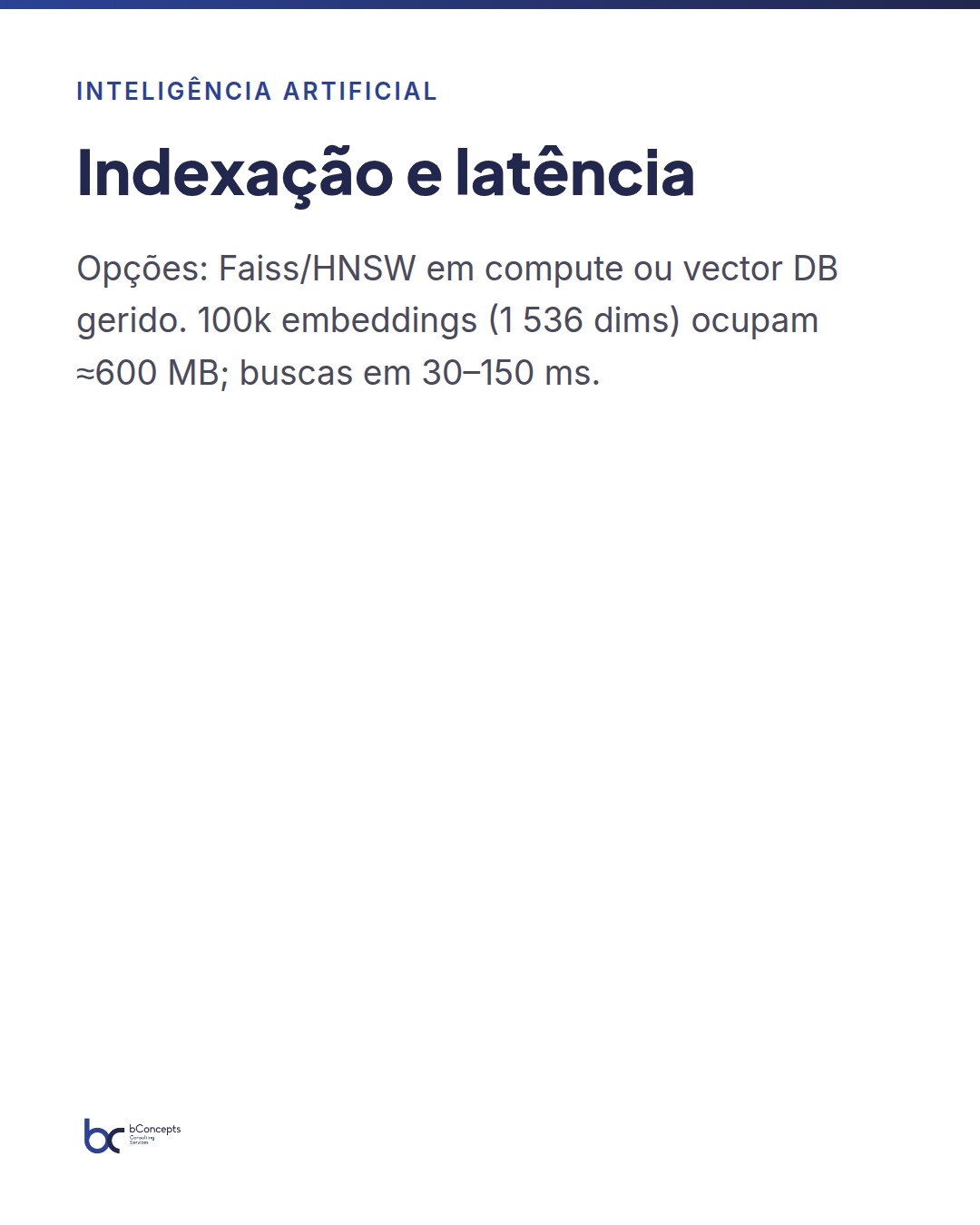
For vector indexing, two common approaches in Fabric: (i) keep embeddings in a Delta table and run ANN in memory using Faiss/HNSWlib on a compute cluster; (ii) integrate a specialized service (Azure Cognitive Search, or a managed vector DB). Option (i) is advantageous when you want to control latency and costs with already contracted resources; (ii) reduces operational burden. In any case, test top‑k between 5–50 and apply reranking with BM25 or hybrid scoring (vector + lexical).
Latency, costs and caching strategies
Delivering a responsive RAG requires balancing cost and performance. Useful strategies: cache results of frequent queries, precompute embeddings for stable content and use ANN indices with adjustable parameters (ef/efSearch, nprobe) according to the SLA. In Fabric, storing embeddings as float16 reduces size by 50% with minimal impact on quality, when supported.
Some operational numbers for sizing: an index of 100k embeddings (1,536 dims, float32) occupies ≈ 600 MB; a 4 vcore cluster with 16 GB RAM can serve ANN searches with latencies of 30–150 ms depending on the algorithm and k. Batch generation of 10k embeddings can take between 10–30 minutes on an 8 vcore cluster, depending on I/O overhead. These numbers allow infrastructure cost estimates and planning maintenance windows.
Integration with Power BI: from RAG to actionable reporting
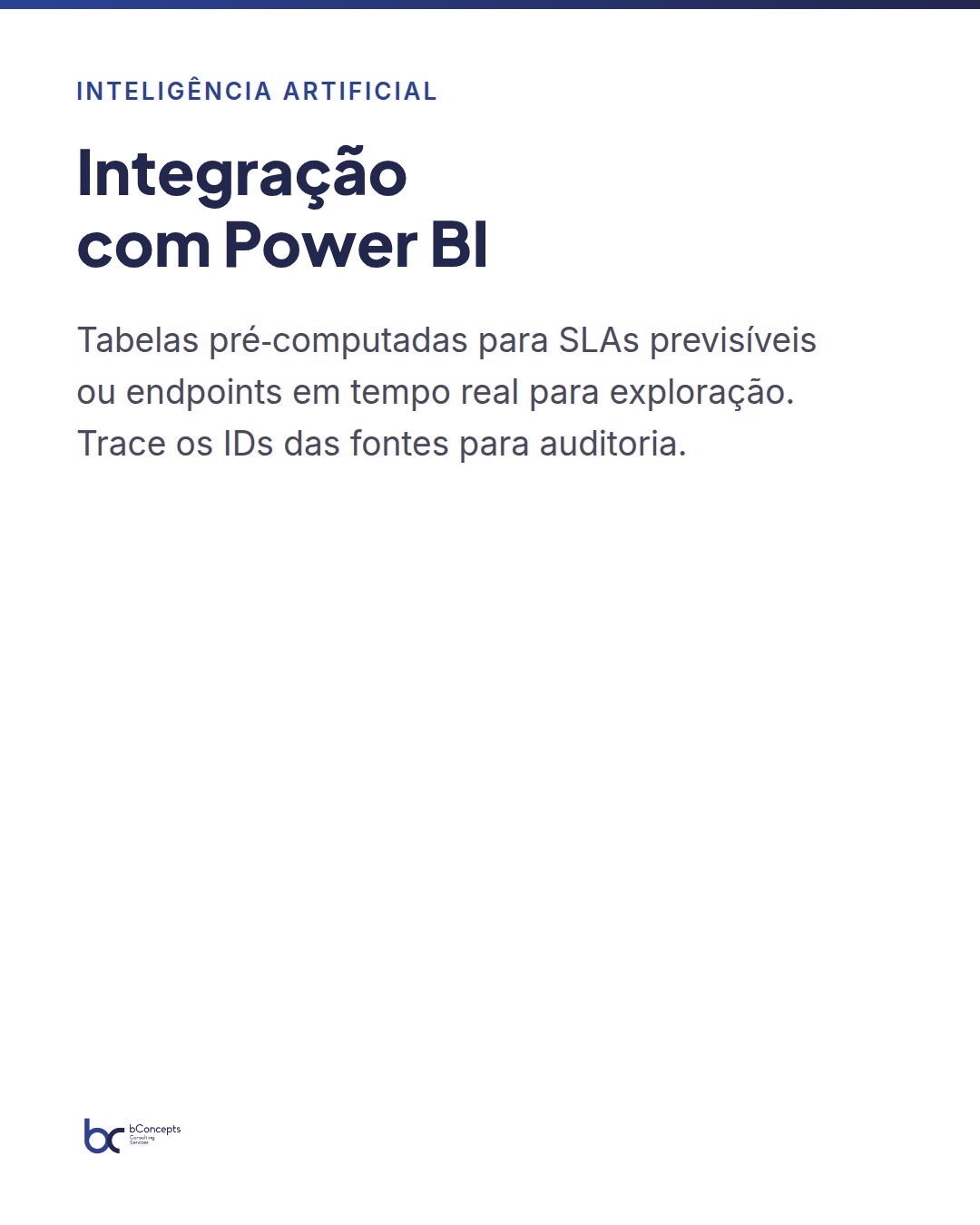
Integrating RAG with Power BI is often underestimated. There are two practical patterns: (1) connect reports to precomputed tables that contain RAG answers or summaries, and (2) expose a serving endpoint that Power BI (via Power Query or Azure Function) consumes in real time to enrich dashboards. The first pattern is excellent for predictable latency and auditability; the second for conversational interactions or ad‑hoc exploration.
For example, a hybrid solution keeps a record of conversations and extracts entities/insights that feed KPIs in Power BI (burn‑down of tickets resolved by RAG, average satisfaction, top queries). Ensure traceability: every answer displayed in Power BI should reference the identifiers of the documents used to generate the context — this builds trust and internal compliance.
Mini practical case: 80 people, 25,000 documents, 6 weeks to production
In an organization of 80 employees in support, product and sales roles, knowledge was scattered: 10k e‑mails, 8k tickets and 7k technical files (manuals, release notes). Goal: reduce mean time to a useful answer for internal staff from 6 hours to under 30 minutes for frequent procedure questions.
Plan and practical results in 6 weeks:
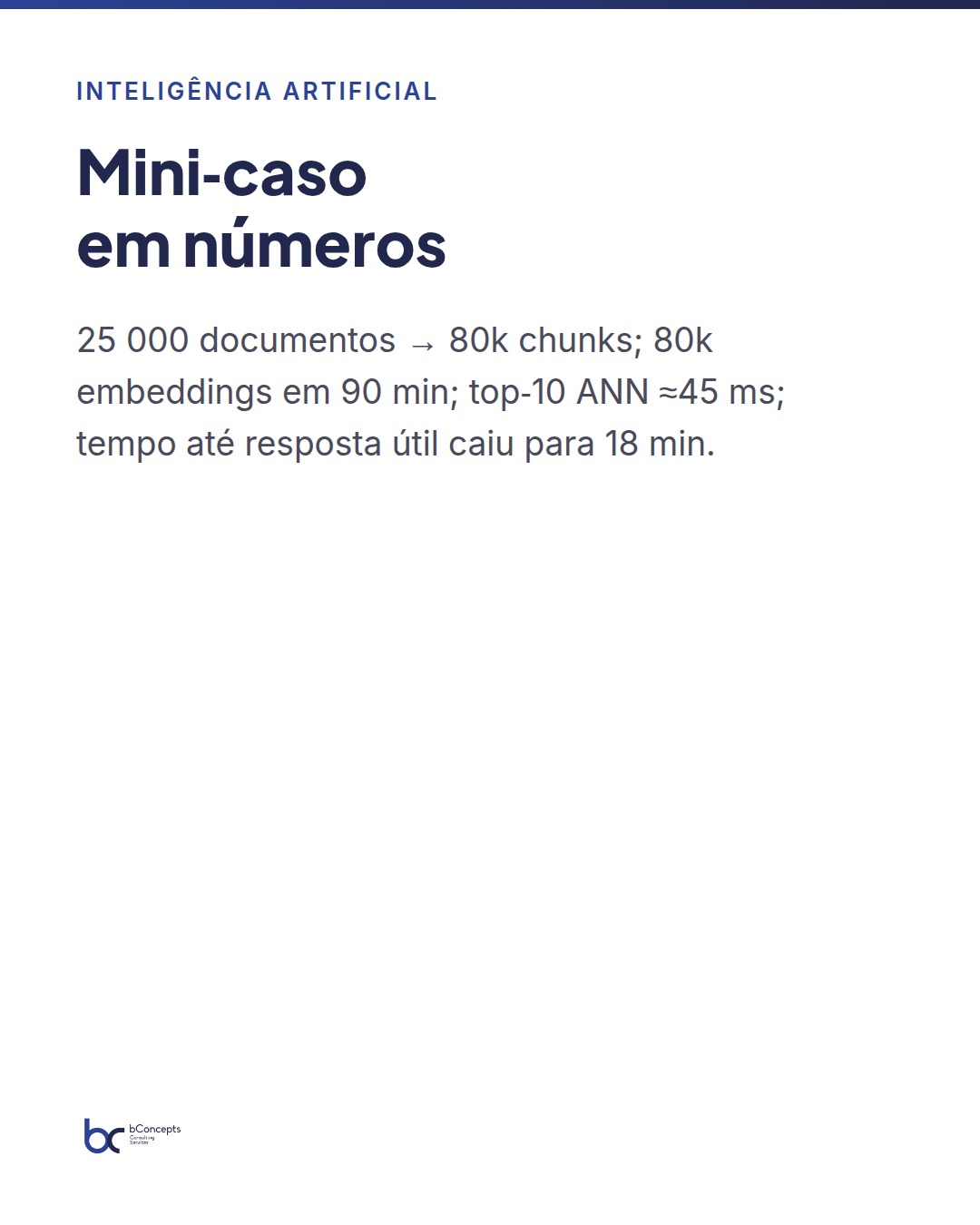
- Ingestion and normalization: 25,000 documents processed, chunking at 500 tokens → 80k chunks.
- Embedding generation: external model, batch via notebook in Spark (8 vcore cluster) → 80k embeddings generated in 90 minutes. Storage: embeddings in float16 occupy ≈ 60 MB. Metadata and indices in Delta totaled 1.2 GB.
- ANN indexing: Faiss HNSW on compute with average latency of 45 ms for top‑10; lexical reranking applied to improve precision.
- Serving and integration: Azure Function endpoint with cache of 10,000 common questions delivered average latency of 220 ms per query. Integration with Power BI for bot metrics dashboard and an agent support panel.
Results after 3 months in production: mean time to useful answer fell from 6 hours to 18 minutes; the support team reduced escalations by 32%; internal satisfaction (quick survey) rose 8 percentage points. Estimated monthly operating cost (compute, LLM calls, storage) was within a budget equivalent to 0.5 FTE in infrastructure costs, far below the manual effort replaced.
Successfully implementing RAG is less about the LLM and more about how you manage context data: chunking quality, embedding versioning and reproducible pipelines are what turn prototypes into a reliable service.
Operationalization: testing, monitoring and governance
Before putting RAG online, define automated tests: coverage of frequent queries, hallucination checks (answers without supporting documentation) and monitoring of latency/throughput. In Fabric, automate these checks with scheduled notebooks and logs in Delta tables that feed alerts to Power BI or Teams.
Governance is not optional. Sensitive topics require access filters and retention policies applied at the Lakehouse. Maintain audit trails of prompts and sources used for each answer, and implement quarterly reviews of answers to detect quality drift or obsolete content.
In summary
- Architect RAG in Fabric using Lakehouses for data, Delta tables for embeddings and compute for ANN/serving.
- Prioritize chunking quality, embedding versioning and reproducible pipelines over LLM tuning.
- Combine vector indexing with lexical reranking; caching and precomputation reduce latency and costs.
- Integrate with Power BI via precomputed tables for predictable SLAs and via endpoints for real‑time exploration.
- Implement automated tests, monitoring and governance rules from day one.
Conclusion and next steps
RAG in Microsoft Fabric is a practical lever: it enables turning dispersed corporate knowledge into useful, auditable and scalable answers. The crucial decisions are operational — choosing where to run the ANN, how to version embeddings and which content to precompute — not technological in the hype sense. Start with a narrow domain (e.g., technical support) with clear metrics and expand as value is proven.
Recommended next steps: (1) map critical knowledge sources, (2) prototype a chunking + embedding pipeline in Fabric, (3) measure latency and cost in a pilot and (4) integrate with a Power BI dashboard for operational visibility. Would you like our next article to show an example Spark + Faiss notebook optimized for Fabric, with Delta table templates and quality metrics?