“The real value of language models emerges when the right information is retrieved in a millisecond — and when we know exactly how, where and by whom that information was produced.”
Why use RAG with Microsoft Fabric and Power BI
Retrieve-and-Generate (RAG) combines the robustness of document-based retrieval with the fluency of Large Language Models (LLMs). In the context of organizations already using Microsoft Fabric and Power BI, RAG turns corporate repositories — policies, manuals, FAQs, historical reports, emails and support logs — into contextualized answers that can be integrated into reports, internal chatbots or decision assistants.

In practice, RAG significantly reduces the risk of “hallucinations” because it constrains the LLM’s generation to the subset of documents retrieved by similarity. Instead of asking the model to conjure global knowledge, we give it concrete facts: report excerpts, contract clauses, monthly metrics. For BI teams, this translates into explainable answers — sourced from identifiable references — that can be displayed alongside metrics in Power BI. In a logistics hub, for example, a manager can see the stockout rate by SKU and, in parallel, obtain an explanation based on supplier communications from the last 90 days.
The gains are practical and measurable: fewer internal support requests, faster decisions and reports enriched with textual context. Financially, small and medium enterprises typically observe paybacks in 3–9 months when combining reduced human effort (fewer tickets and fewer hours of internal consulting) with increased operational productivity.
Practical architecture: where to place embeddings and indexing
A pragmatic architecture for RAG with Fabric and Power BI has four main components: (1) document and metadata storage (OneLake / Lakehouse), (2) embedding creation pipeline (Notebooks / Data Engineering), (3) vector indexing (Azure Cognitive Search or a managed vector DB) and (4) a service layer that serves queries to Power BI or applications.
Typical step-by-step flow:
- Ingestion: documents (PDFs, docx, exported emails, tables) are centralized in OneLake. Use ETL pipelines to normalize formats and extract text and metadata.
- Pre-processing: clean HTML/markup, normalize whitespace, remove repeated headers and footers, and identify relevant blocks (tables, lists), which determine chunking.
- Chunking: split into appropriate excerpts (see next section) and create metadata per chunk — document id, date, author, confidentiality, store/region.
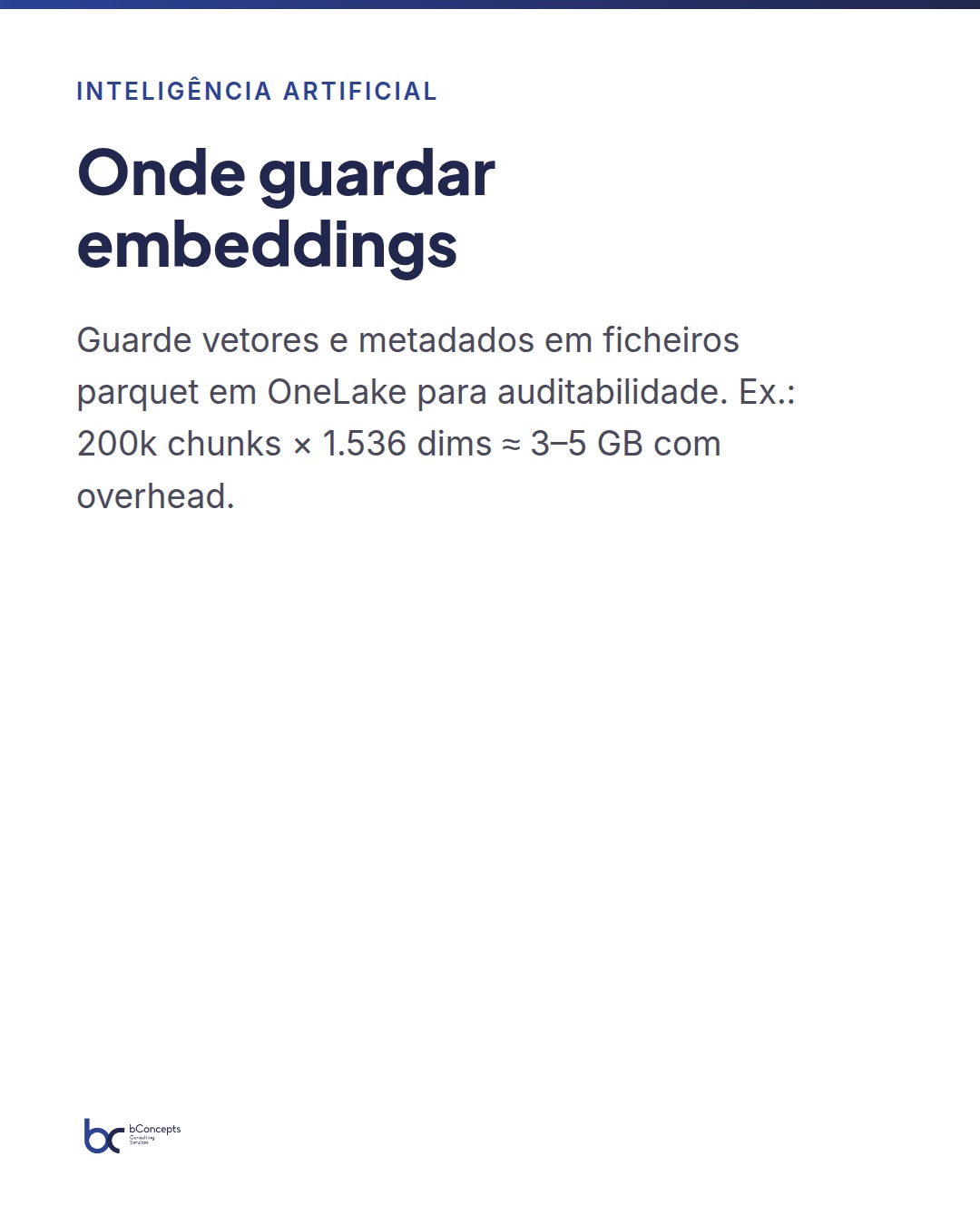
- Embeddings: compute embeddings per chunk with Azure OpenAI or another provider; store embeddings and metadata in parquet files in OneLake for auditability.
- Indexing: load embeddings into the vector indexer (Azure Cognitive Search with vectors, Pinecone, Milvus, etc.), configuring filters by metadata.
- Service: an API (Azure Functions, App Service, or a lightweight container) performs the vector search, composes prompts and requests the LLM for final generation; the API returns the response to Power BI or the application and logs telemetry.
In production, separate batch tasks (rebuild the index on significant changes) from incremental tasks (process only new/changed files). Use queues (Event Grid / Service Bus) to guarantee exactly-once processing in incremental workflows and to keep the service latency in production predictable.
Creating embeddings and preparing data in Fabric
The quality of RAG depends primarily on data preparation. Before generating embeddings, verify cleaning (remove HTML/markup, normalize encodings), intelligent chunking (size and overlap) and enrichment of metadata (date, source, confidentiality level, document version, domain tags).
Practical parameters and recommendations:
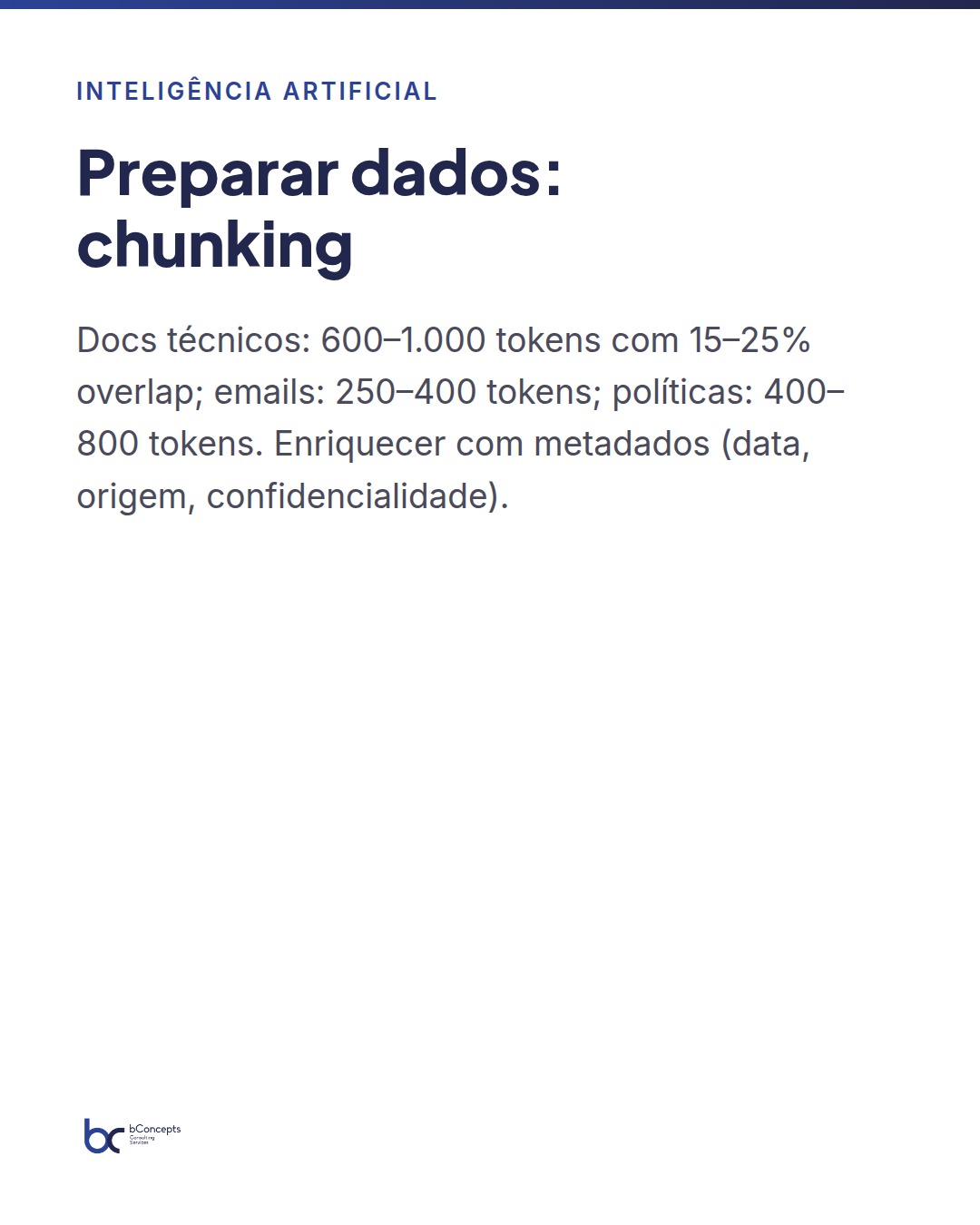
- Technical documentation: chunks of 600–1,000 tokens with 15–25% overlap. Reason: technical texts have long dependencies — overlap helps preserve context between excerpts.
- Emails, tickets, chats: 250–400 tokens. Small excerpts avoid noise and reduce computational cost.
- Policies and contracts: 400–800 tokens, with metadata identifying clauses and effective dates.
- Embeddings: typical models have 1,024–3,072 dimensions; a common choice is 1,536 or 2,048. Higher dimensionality can improve separability but increases cost and storage size.
Example storage calculation (estimate): 200k chunks × 1,536 dimensions × 4 bytes per dimension ≈ 1.2 GB for raw vectors; with metadata and overhead (parquet, compression) it typically ends up at 3–5 GB. A production index also requires additional storage in the vector indexer. Always record the embeddings model version to enable reproving results when switching models.
In Fabric, use controlled Notebooks (PySpark for scale, or Python for smaller pipelines) for the initial batch execution and use incremental pipelines for new/changed inputs. Save outputs as parquet files in OneLake for efficiency, use compression (snappy) and auditability — each file should contain ingestion metadata and a hash to allow reconciliations.
Vector indexing: options and trade-offs
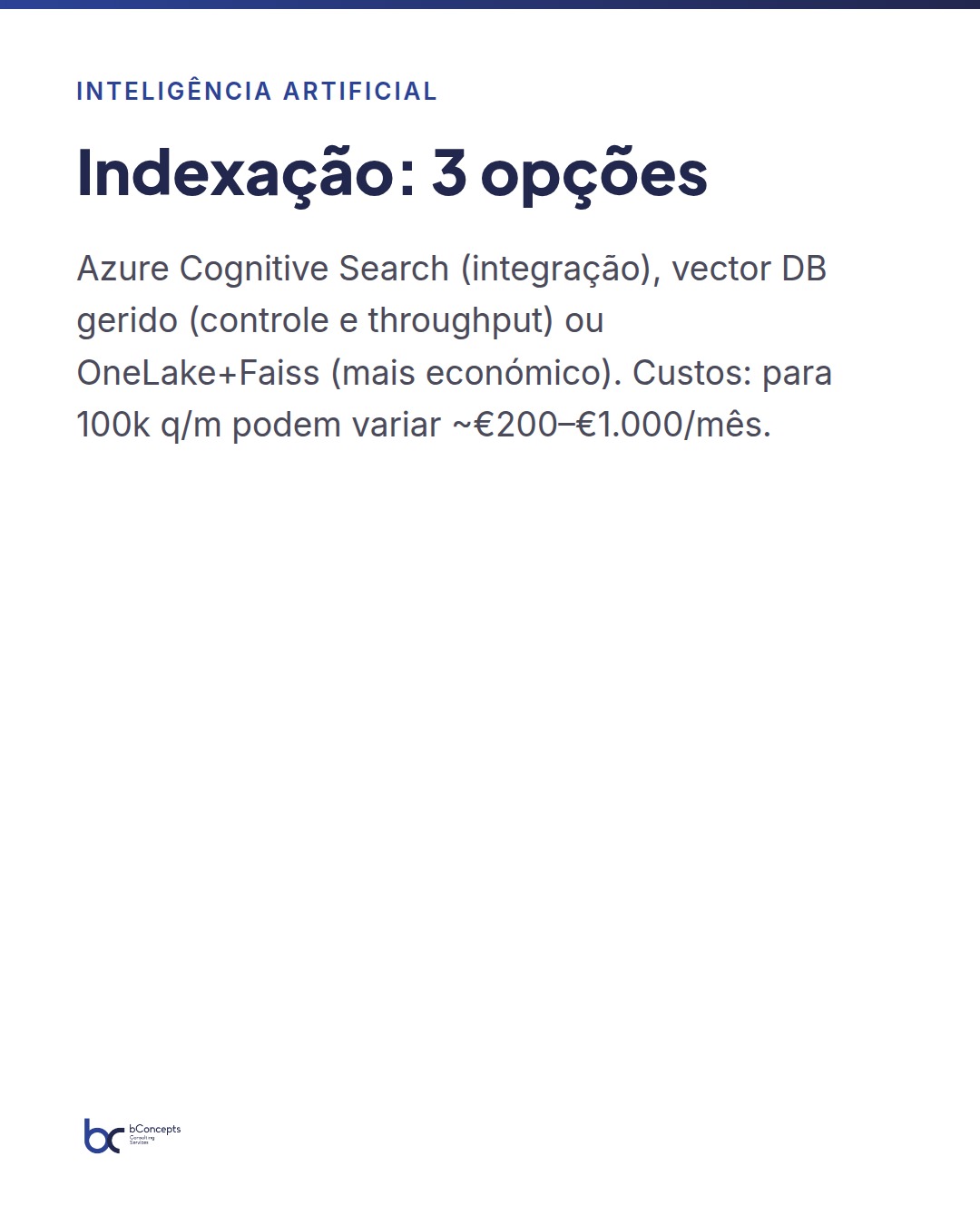
You have three plausible indexing options when operating with Fabric, each with advantages and trade-offs:
- Azure Cognitive Search with vector support: simple integration with the Azure ecosystem, metadata filters, managed support and SLAs. Ideal for teams that prioritize fast implementation and want retrievals with filters (by store, date, confidentiality).
- Managed vector DB (Pinecone, Milvus Cloud, etc.): offers finer control over ANN parameters (HNSW, IVF, PQ algorithms), replication, partitioning and throughput scalability. Good when you need high query volumes per second (hundreds to thousands qps) or tuning recall/latency.
- Indexing in OneLake + Faiss in a container: cost-effective alternative for predictable and controlled workloads. Requires infrastructure management (orchestration, backups, failover) and care with replication and index updates.
Trade-offs to consider:
- Operational complexity vs cost: managed services reduce DevOps, but can cost more at scale. Practical examples: for 100k queries/month, managed vector DB costs can range between €200–€1,000/month depending on required latency and plan; Azure Cognitive Search can be in a similar or higher range depending on features used (filters, managed encryption).
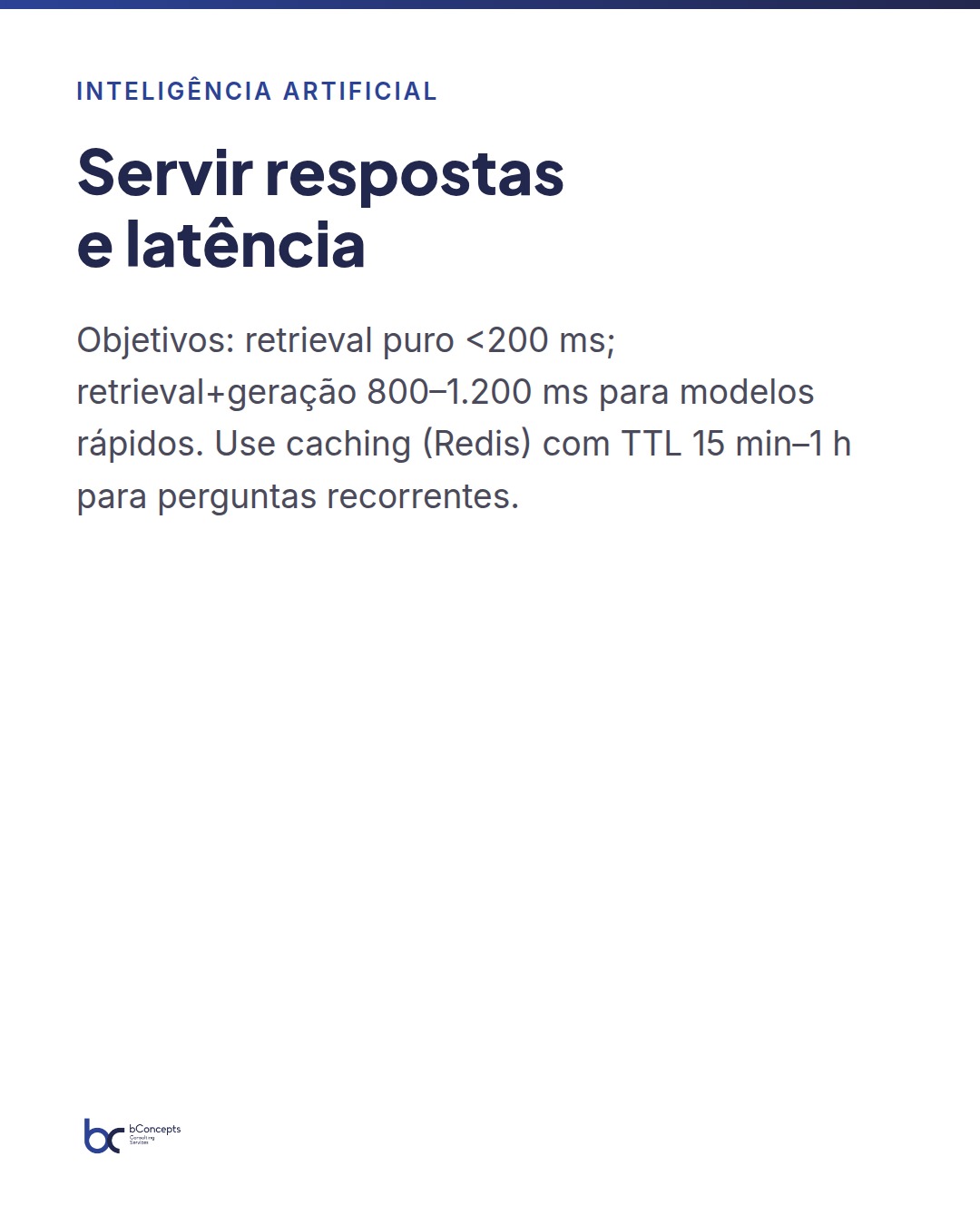
- Performance: measure recall@k and latency per query is essential. Realistic targets: pure retrieval < 200 ms; retrieval + generation (including LLM call) 800–1,200 ms for fast models. For larger LLMs, latencies can grow to 1.5–3 s.
- Consistency and index updates: if data changes frequently (for example, daily catalogs), prefer solutions that support upserts and efficient incremental reindexing.
Serving answers: latency, caching and integration with Power BI
When integrating RAG into the BI flow, consider two usage modes: interactive (chat/real-time assistant) and embedded (summaries or insights in Power BI reports).
Interactive mode — typical architecture:
- Power BI (or an embedded web application) sends a query to an API (Azure Functions).
- The API calls the vector search and retrieves top-N chunks (e.g., top-5 or top-10), applying metadata filters.
- The API composes the prompt with safety instructions (instruct the LLM to cite sources and not fabricate) and sends it to the LLM.
- The response is returned to the user and often stored in a Redis cache for recurring queries (TTL configured between 15 minutes and 1 hour depending on the criticality of the information).
Embedded mode — for dashboards:
Use scheduled pipelines (Data Engineering) that generate summaries, explanatory KPIs and alerts from documents and store those outputs in tables consumable by Power BI via DirectQuery or import. This strategy reduces inference costs and ensures predictable latencies: a dashboard with 10 pre-generated summaries per report avoids real-time LLM calls and offers consistent answers.
For ad-hoc questions, combine caching with short TTLs, per-user throttling and workspace quotas to control inference costs. Monitor usage spikes and implement fallback (prepared response or query to a traditional knowledge base) when limits are reached.
Monitoring, metrics and mitigating hallucinations
Monitoring RAG requires specific metrics beyond usual infrastructure ones. I recommend a dashboard with at least:
- Average total latency and percentiles (p50/p95/p99) by operation type: retrieval, generation, end-to-end.
- Recall@k (e.g., recall@5, recall@10) measured with validation sets created by domain analysts.
- Cache hit rate and cache miss rate (for sizing Redis).
- Human review rate (percentage of responses that required validation) and user feedback (useful/not useful).
- Cost per 1k queries and total monthly cost by component (embeddings, indexing, inference).
Mitigating hallucinations involves concrete and auditable measures:
- Limit the LLM context only to the retrieved chunks and not to the model’s internet knowledge.
- Include in the prompt instructions to cite the source and the paragraph, for example: ‘Base your answer only on the provided excerpts and indicate document, date and source paragraph.’
- Classify the confidence of the answer with a score calculated from the average similarity of the retrieved chunks and internal coherence; expose that score in Power BI and apply rules (e.g., if confidence < 0.6, require human validation).
- Log full trace: original query, top-N excerpts, prompt sent, generated response and who validated it. This is indispensable for audits and compliance.
Additionally, governance policies must be applied: RBAC access control to indexes, encryption at rest and in transit, and PII tagging with anonymization workflows before generating embeddings when applicable.
“RAG is not magic: it is data engineering + vector indexing + prompt design. Each component fails if treated in isolation.”
Mini practical case: omnichannel retail (80-person company)
In a retail chain with 80 employees, the product team had 50k documents (specifications, sales reports, supplier communications). The goal: give store managers an assistant integrated in Power BI that answered operational questions (“What was the availability of product X in store Y last month?”) and compliance queries (“What are the current return instructions for product Z?”).
Approach applied:
- Chunking: 600 tokens, 20% overlap → resulted in ~200k chunks.
- Embeddings: model with 1,536 dimensions → approximate storage 200k × 1,536 × 4 bytes ≈ 1.2 GB; with metadata and compression it was ~4 GB in OneLake.
- Indexing: Azure Cognitive Search with vectors; filters by store, category and date helped reduce result set and increase precision.
- Service: Azure Function serving 5–10 qps at peaks; Redis cache with 1 hour TTL for repeated queries (top 200 queries covering 40% of traffic).
Measurable results after 3 months:
- 35% reduction in support calls to the operations team (≈1,200 calls/year reduced to 780), measured by tickets opened in ServiceNow.
- Average time to obtain an answer went from 12 minutes (email/phone) to < 7 seconds in the integrated Power BI interface — measured as end-to-end latency.
- Incremental cost for embeddings and inference: estimated at €1,800/month (includes LLM calls and indexing costs); operational savings estimated at €4,500/month in team hours — payback in <6 months.
- Quality: recall@10 measured at 0.82 for critical operational questions; human verification rate dropped to 8% of the most sensitive answers.
Case conclusion: for an SME with moderate document volume, RAG integrated with Fabric and Power BI demonstrated technical and economic viability, as well as tangible improvement in the stores’ operational experience.
In summary
- Structure the pipeline: OneLake (data) → Notebooks (embeddings) → vector indexer → API → Power BI. Separate batch from incremental.
- Choose indexing according to latency, cost and operational complexity: Azure Cognitive Search is quick to put into production; vector DB gives control at scale.
- Combine caching and scheduled workflows to control inference costs and ensure dashboard performance.
- Monitor recall@k, latency and answer confidence; include human validation for risk cases.
- Governance and PII management are mandatory — audit sources, versions and keep full logging.
Implementing RAG with Microsoft Fabric and Power BI is above all an engineering issue: prepare data correctly, choose the right indexing engine and integrate so that the user experience is immediate, auditable and secure. For BI teams, the goal is not to replace reports, but to enrich them with actionable and traceable explanations.
Practical next steps recommended: launch a POC with a subset of documents (5–10k), measure recall@10 with a set of real queries and end-to-end latencies, and test two indexing options (Azure Cognitive Search and a managed vector DB) to compare operational costs and performance. If you prefer, bConcepts can design a 6-week POC, including KPI definition, technical implementation and validation of results in a controlled production environment. Would you like us to discuss a plan with real numbers for your organization?